A Pen Plotter Workflow for GIS-Based Data (Case Study) Using UUNA TEK 3.0 A1 Pen Plotter

A Pen Plotter Workflow for GIS-Based Data (Case Study) Using UUNA TEK 3.0 A1 Pen Plotter

Overview

Our university’s Population Health Research department uses GIS data to support research, reporting, and visual communication. Producing large-format GIS outputs has historically been constrained by the total cost of ownership of large-format printers—particularly ongoing maintenance and the recurring expense and lifecycle limitations of consumables (e.g., cartridges that can dry up or expire when usage is intermittent).

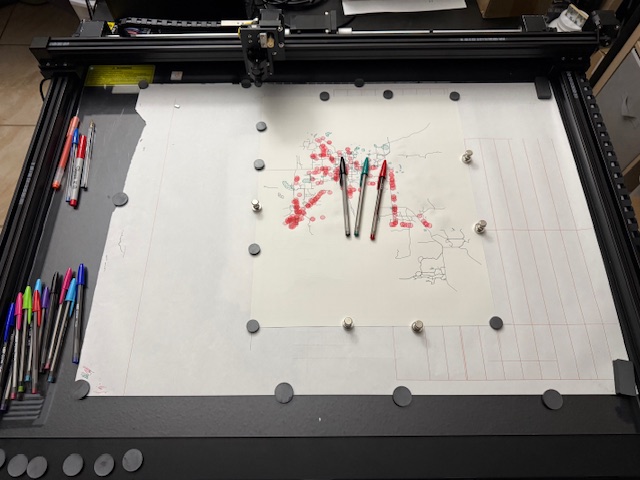
This case study documents an alternative workflow: converting GIS layers to vector plots and producing physical outputs using a pen plotter. The workflow supports standard report-ready prints (A4) as well as scaled map products up to A1, without reliance on specialized large-format printing hardware.

Context and Research Constraints

Large-format GIS visualization can be difficult to operationalize in an academic environment where:

  • Printer acquisition and maintenance costs are high and difficult to justify for periodic or project-based use.
  • Consumables can degrade (drying/expiration), creating waste and unpredictability—especially when large-format printing is not continuous.
  • Each iteration adds cost, which discourages exploratory visual design and rapid refinement.

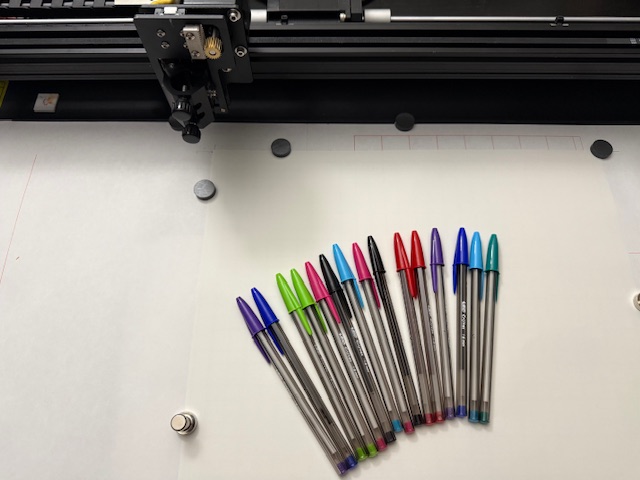
To address these constraints, we explored pen plotting as an approach better suited to intermittent research cycles: pens are inexpensive, easy to replace, and broadly available, and the device can produce high-quality vector linework across a range of sheet sizes.

Why a Pen Plotter is a Practical Alternative

A pen plotter changes the cost and workflow dynamics in several useful ways:

  • Lower consumables risk and simpler replenishment: Pens are straightforward to replace and do not carry the same “dried cartridge” failure mode typical of ink systems used intermittently.
  • Greater visual flexibility: A wide range of pen thicknesses, colors, and ink types can be used to tune legibility by layer (roads, parks, points, boundaries).
  • Contrast and accessibility options: Different paper colors can be paired with pens/markers to improve contrast (e.g., light-toned paper with dark linework, or darker stock with gel/paint pens), supporting clearer differentiation of thematic layers.
  • Scalable output formats: The same vector workflow can be used for A4 inserts in reports and scaled to A1 for posters, displays, or larger review sessions.

Equipment and Setup Considerations

  • Plotter: UUNA TEK 3.0 A1 Pen Plotter
  • Supported output sizes: Any custom size through A1
  • Primary use case: Layered GIS-derived vector plotting (linework and point features)

Shipping and handling observations

The UUNA TEK 3.0 A1 is heavy and solidly built. The unit did experience damage during transit; after contacting UUNA TEK with details of the issue, replacement parts were sent promptly. From an operational standpoint, responsive support reduced downtime and helped keep the implementation feasible within a research timeline.

Build quality (deployment considerations)

The rails, motors, and belts are robust. I can move and position the unit independently, but some users may want assistance due to its weight and size.

Software Environment and Workflow

  • Data source: City of Orlando GIS Open Data Hub (GeoJSON)
  • GIS software: QGIS (layer setup and SVG export)
  • Vector editing/alignment: Inkscape (cleanup, grouping, registration/alignment)(Adobe Illustrators is also used for vector creation and cleanup)
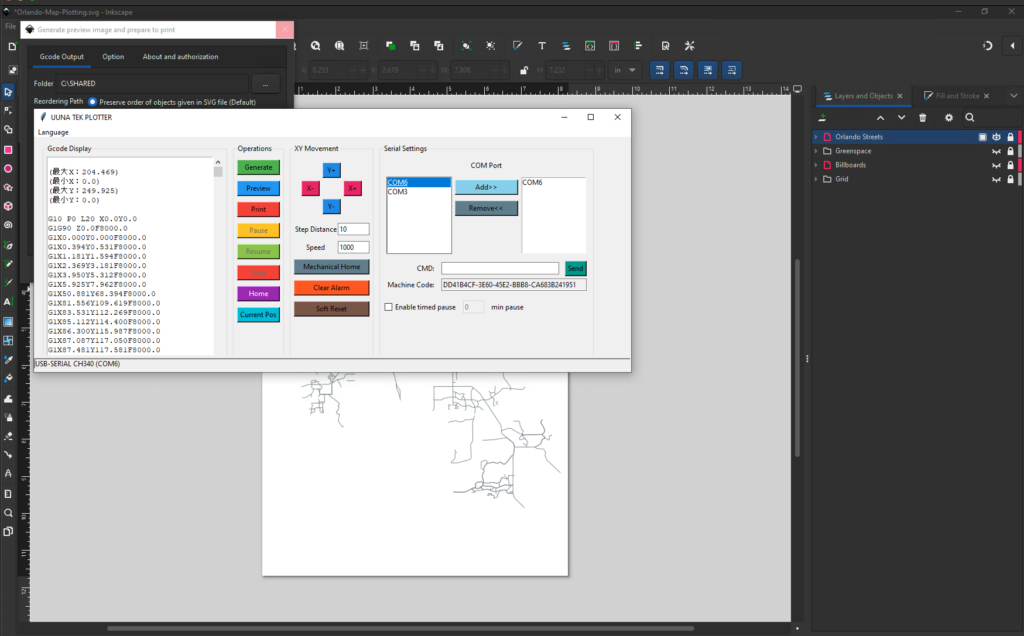
  • Plotter control: UUNA TEK software and tutorials (registration, activation, setup), Inkscape (with UUNA extension)

UUNA TEK’s tutorial videos were helpful for initial setup and workflow orientation. As a macOS user, I also relied on UUNA TEK support to resolve software compatibility and setup questions. The UUNA TEK software and Inkscape extensions are available for Mac OS and Windows PC platforms.

Data Preparation and Plotting Methodology

This workflow was designed to be repeatable across paper sizes by treating each GIS theme as a discrete vector layer that can be plotted independently and then combined through registration.

1) Acquire GIS data

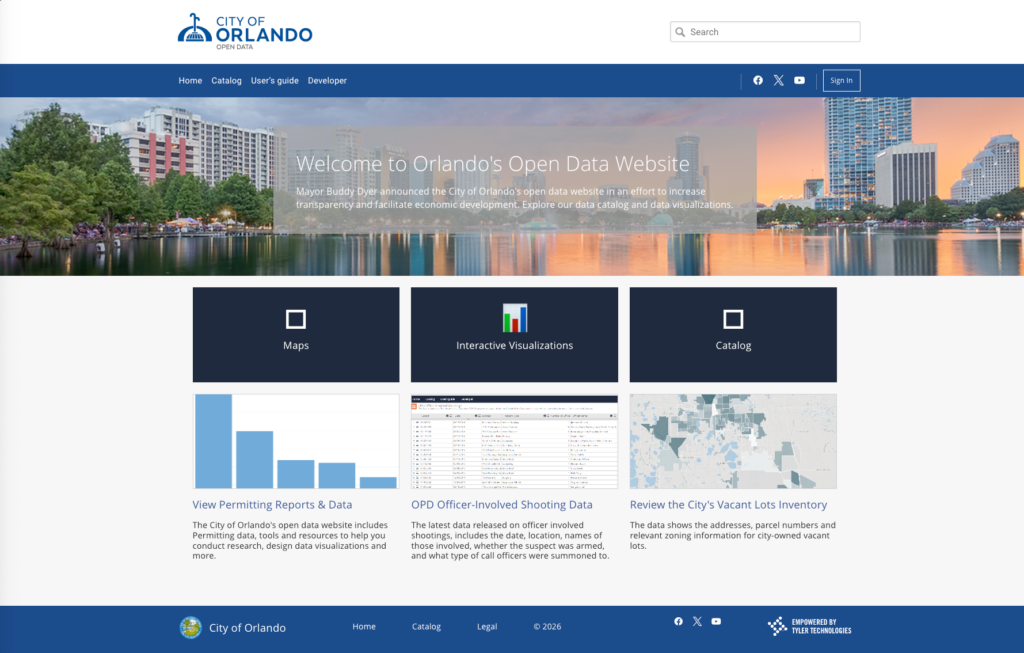
I downloaded GeoJSON datasets from the City of Orlando’s Open Data Hub. For this initial test, I used:

  • Roads
  • Parks
  • Billboard locations

(Our broader research goal is to visualize the impact of development on green space. That work will be documented in a future post.)

City of Orlando Open Data Hub

2) Organize layers in QGIS

  1. Create a new QGIS project.
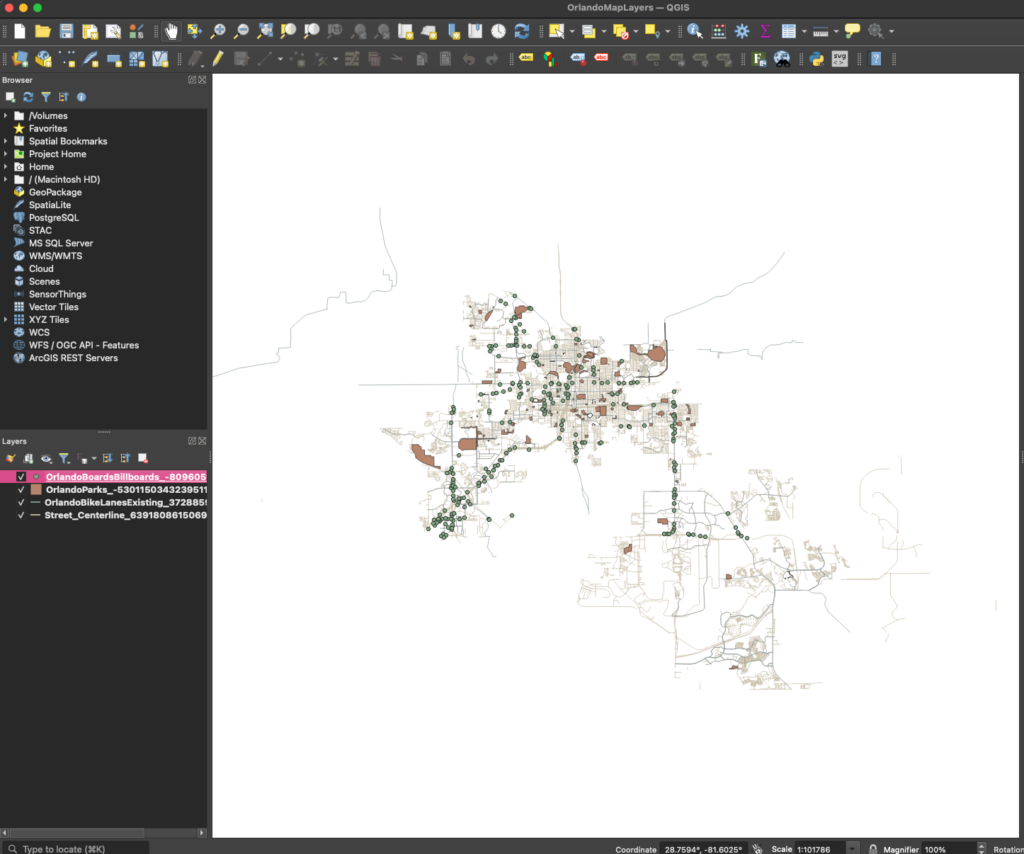
  2. Load each GeoJSON dataset into QGIS.
  3. Assign each dataset to its own layer and style/arrange as needed for the target output.
QGIS layout with multiple layers

3) Export each layer to SVG (one layer per file)

To support multi-pen plotting and reduce downstream complexity:

  1. Create a new print layout in QGIS and insert the map object.
  2. Hide all but one layer.
  3. Export the visible layer as SVG.
  4. Repeat for each remaining layer.

This produces separated vector files that can be plotted sequentially (often one pen per layer) and scaled consistently for any custom size through A1.

4) Prepare alignment and registration in Inkscape

  1. Import each SVG into Inkscape.
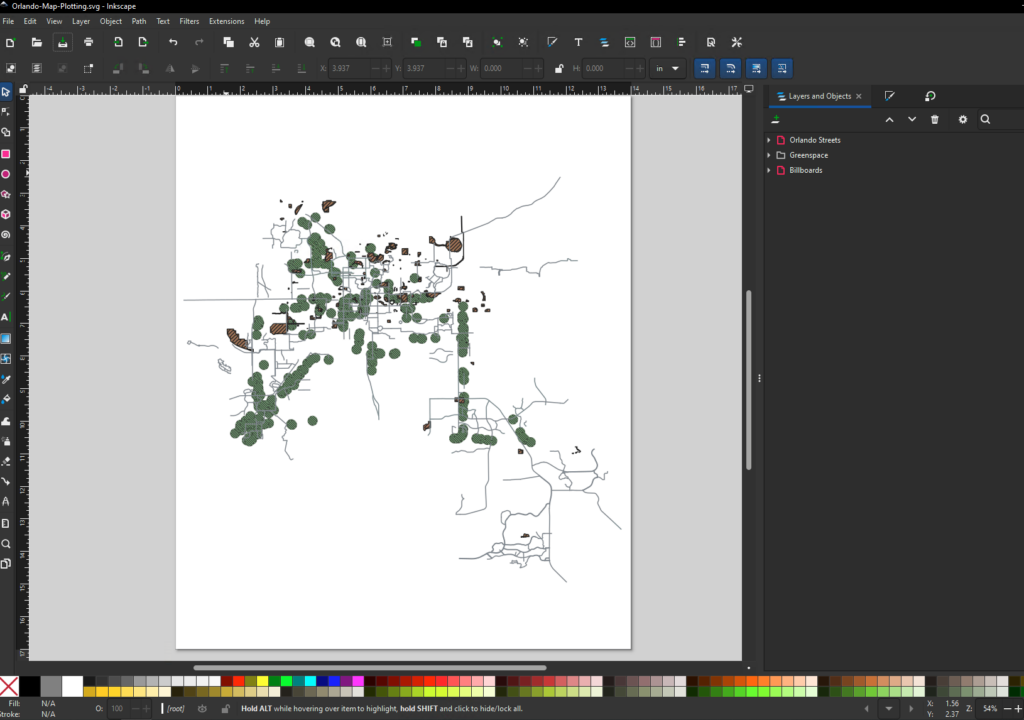
  2. Clean up and group objects for each layer.
  3. Combine all layers under one parent group to maintain consistent transforms.
  4. Align and scale the grouped output using a pre-made A1-sized SVG grid template as a positioning reference.

That grid template functions as a consistent registration system: paper is placed on a known coordinate area, and the artwork is scaled/positioned to match—any size up to A1.

Inkscape showing all layers

5) Plot in layers (multi-pen workflow)

  1. Plot the first layer with the first pen.
  2. Change pens and plot subsequent layers in sequence (varying thickness and color by theme).
  3. Where contrast is critical, combine pen choice with paper color to improve readability and layer separation.
Inkscape with UUNA TEK 3.0 PLOTTER extension

Preliminary Results (Initial A4 Output)

Initial testing was completed using 14x17in. output to support rapid iteration and to ensure the final graphics integrate cleanly into reports and distributed materials. The layered workflow (QGIS exports per layer, aligned in Inkscape, plotted sequentially) proved practical and repeatable.


Observations and Limitations

  • Strengths for research visualization
    • Clear, high-quality linework and strong thematic separation using pen thickness and color choices
    • Lower operating friction for intermittent use compared to maintaining large-format printers and consumables
    • Works for both report inserts (A4) and larger presentation formats (up to A1)
  • Workflow limitations
    • Moving GIS data between QGIS and Inkscape introduces a learning curve and occasional format/friction points.
    • Filled areas (e.g., parks/green space) require additional decisions about how to represent area features (hatching, density, marker fills) while staying faithful to the data.
  • Operational notes
    • Vendor support was responsive and effective, which is relevant for adoption in a university environment where time-to-deployment matters.

Next Phase: Scaling to A1 Output

The next phase is to apply the same methodology to larger formats up to A1 and refine fill strategies (e.g., hatching density, marker approaches, and legibility at scale). A follow-up post will document:

  • paper handling and alignment practices at larger sizes,
  • plot time considerations at A1 scale,
  • fill techniques that remain readable and consistent with the underlying GIS data.

Key Takeaways

For research teams that need GIS visuals across various paper sizes, a pen plotter can be a viable alternative to large-format printers—especially where the primary constraints are cost, maintenance, and consumables risk. Pens provide flexible control over line weight, color, and style, and pairing ink choice with paper color expands contrast and readability options. While there is a learning curve when moving between GIS and vector tooling (and area fills require additional technique), the approach supports iterative, repeatable, and scalable research visualization without the overhead of large-format printing infrastructure.

This case study is contributed by Nicholas Alpin on Jan. 7th, 2026, the original article here.

ブログに戻る

コメントを残す

コメントは公開前に承認される必要があることにご注意ください。