We could not be happier with our experience with UUNA TEK. From the very beginning, their customer service exceeded our expectations. The CEO was incredibly accommodating and took the time to answer every question we had throughout the process. Any time we reached out, we got a quick response, which gave us real confidence in both the company and their product.
The machine itself has been outstanding. The writing quality is remarkable and genuinely looks handwritten. We spent a lot of time researching different writing machines before choosing, and we’re so glad we picked UUNA TEK. The precision, consistency, and overall quality have been exactly what we hoped for.
We recently launched our company, Only Beautifully Written, where we turn our customers’ words into beautifully handwritten keepsake cards mailed directly to their family, friends, and clients. The UUNA TEK machine has become essential to our business. It delivers the authentic handwritten look our brand promises.
If you’re considering a writing machine, we wholeheartedly recommend UUNA TEK. Their support is exceptional, their product performs exactly as advertised, and they truly care about their customers’ success.
I have been using my UUNA TEK iAuto for a year now.
The software feels a little old-fashioned at first. However, once you understand how it works, the machine and software performs flawlessly. So far, I have written around 20,000 cards with it, and it has proven to be extremely reliable and robust.
After intensive use, I encountered an issue with the paper-feeding mechanism. I contacted UUNA TEK support via WhatsApp, and they responded immediately. They quickly sent me the necessary replacement parts, along with a clear tutorial explaining how to install them. Once I replaced the parts, the machine was fully operational again.
UUNA TEK is a highly professional and trustworthy company. They manufacture solid, reliable machines and provide excellent customer service.
I recommend them 100%.
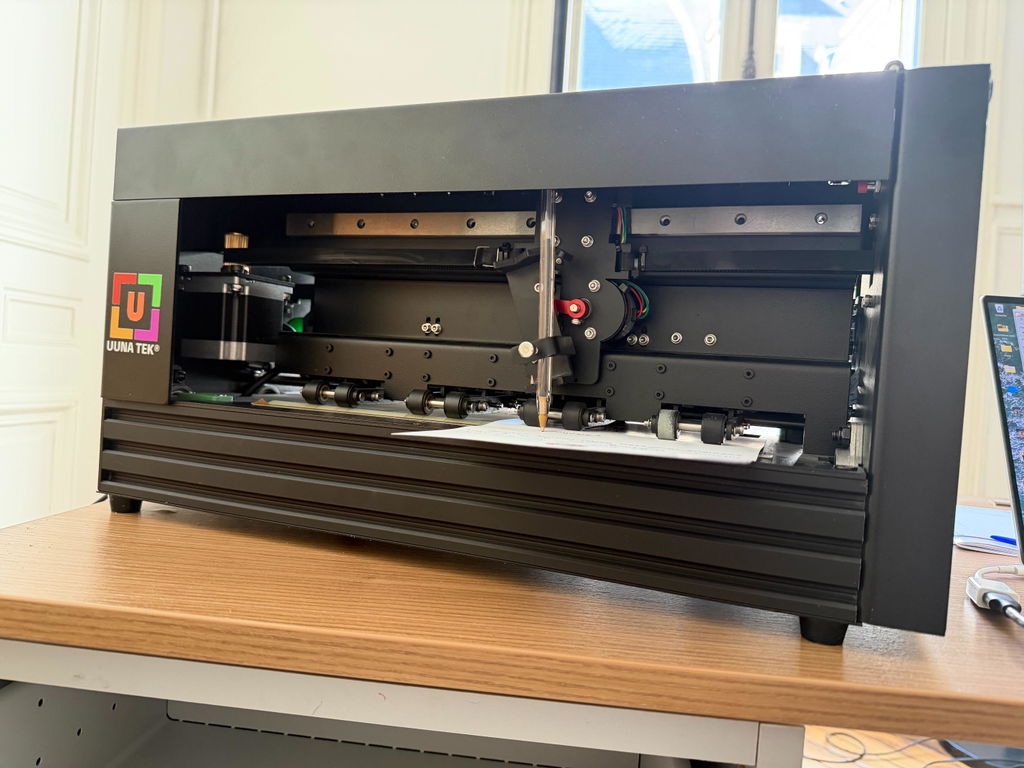
The iAuto handwriting machine is a genuinely impressive device. Build quality is solid — it feels durable right out of the box, and the learning curve is surprisingly gentle even for first-time users. There's something oddly satisfying about watching it work; the mechanical motion holds attention in a way that a printer never could. For outbound sales mail and handwritten thank-you notes, it delivers exactly what you'd want: a personal, human touch at scale without the wrist fatigue. It took me about 30 minutes to get unboxed and set up.
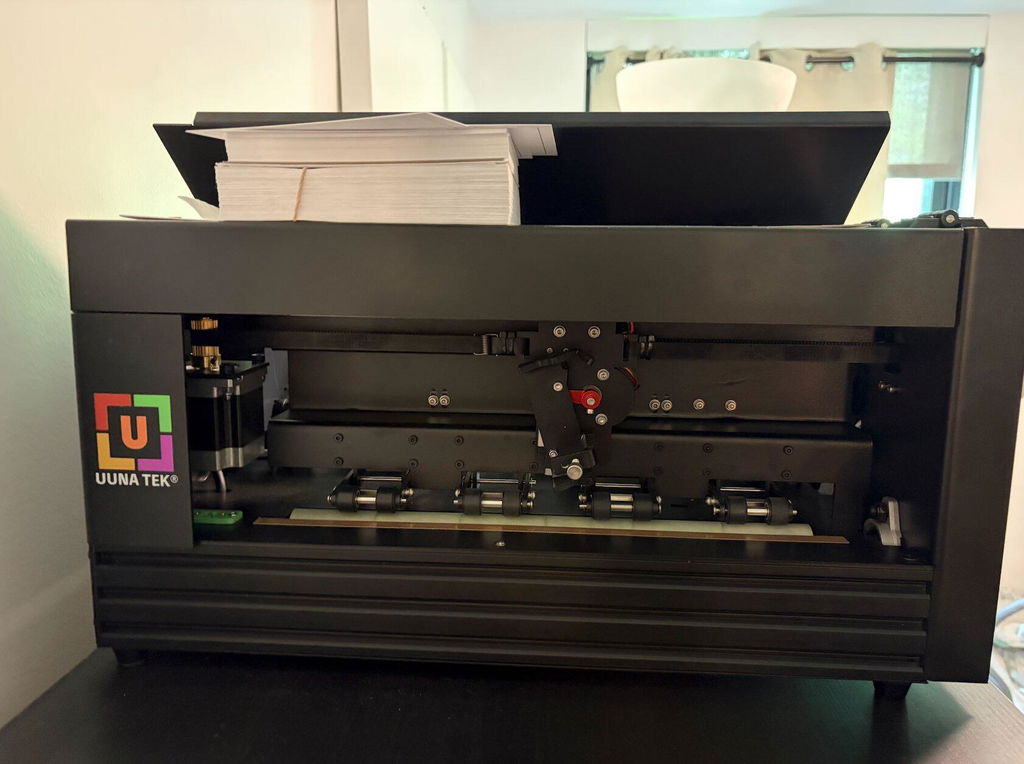
I bought the iAuto for business purposes. The goal: Write custom messages on hundreds of postcards to make them feel more personal. I was unsure if this machine would be sufficient, given the comments about the rather outdated-looking software.
When the machine arrived here in the Netherlands, I could get it to run within less than five minutes. Something unimaginable for B2B machinery nowadays. This doesn't mean it lacks customization, though. I managed to create and set up an additional font and custom page sizes even without a tutorial.
When it came to customizing 300 cards, I watched a YouTube tutorial and had everything running within 15 minutes. This machine only slipped up once during the seven hours it took to write 300 detailed A6 postcards! This is quite impressive.
While the software does need some getting used to, it is by no means outdated or unusable.
The support replied quickly during the delivery process and was always eager to help if anything was needed.
I would definitely recommend the iAuto to anyone who needs this for semi-professional or incidental use.
It works perfectly. I'll put it to good use.
The UUNA TEK iAuto is an absolute game-changer for personalized bulk mailings! It produces incredibly realistic handwritten letters and envelopes with its smart auto-feeder. What truly stands out is the outstanding, proactive customer support — the owner responds quickly and handles every request efficiently with genuine care. Reliable, easy to use, and worth every penny. Highly recommended!
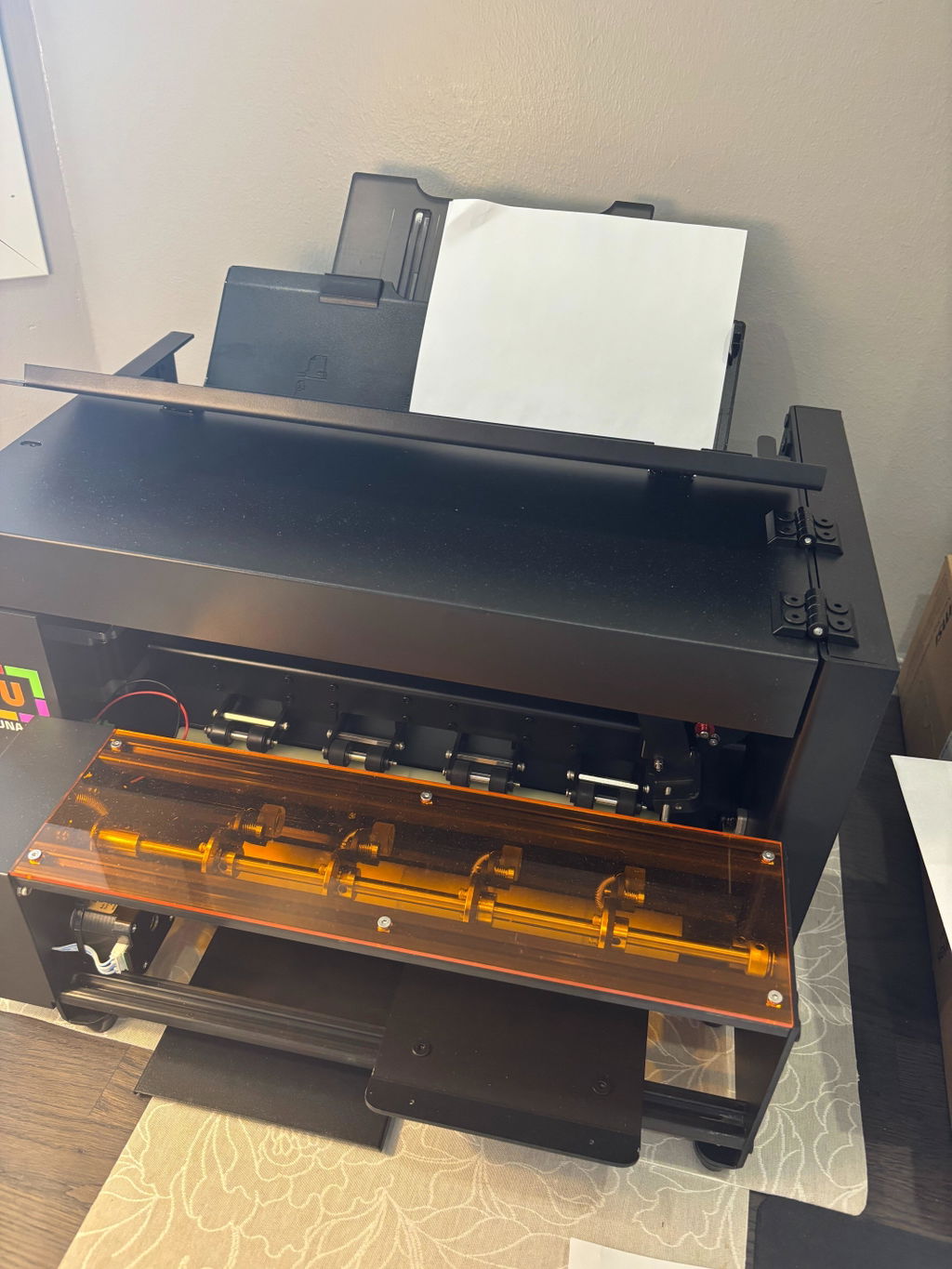
Vom Prudukt selbst bis hin zum Support und auch der Versand war reibungslos. Vielen dank, würde ich immer wieder kaufen
La machine est vraiment top : la précision est excellente, la vitesse aussi, et elle est en plus très silencieuse, ce qui est un vrai confort au quotidien.
Mais le vrai point fort, c’est surtout l’équipe derrière. Ils sont extrêmement réactifs et à l’écoute. On sent que c’est une jeune boîte, ouverte aux retours, avec une vraie volonté de faire évoluer leurs outils pour les rendre toujours plus performants.
Les mises à jour sont régulières, et UUNA reste très disponible en cas de besoin.
I am using the plotter from last 14 days i am loving it. Plus the guide available online make it very easy for me to set up plotter quickly. A little prob i face was it took me time to find where should i start the plot from ( few trial and error i find its top right corner ) rest everything was smooth and perfect. Thanks
Having studied the pen plotter market for my first machine I decided on the iDraw A3 HSE. After ordering it took a few days for the machine to be readied for dispatch and I received an email saying it would be with me in the UK in around a week but somehow, to my amazement, it arrived the next day!
It was very well packaged and only needed a few cables plugging in to get going. The build quality is great and construction looks very good plus it’s nice and sturdy. I’ve only plotted on A4 paper so far but have found the bed to be perfectly flat.
It’s really accurate and fast if you want it to be. As with all pen plotters it’s mesmerising to watch.
Being new to pen plotting there’s a lot to learn but there’s a wealth of resources online waiting to be found. I couldn’t get a particular function to work (hidden line removal) but UUNATEK were great and helped me find a solution and now I can do it. There are only a couple of things I’d like to change on it - an on/off button would be nice and, as far as I can see, you can’t use the full A3 area if using an angled pen.
Overall, this is a fantastic pen plotter and I’m really impressed with it.
TLDR: This machine's great, as advertised, works great, software and hardware is very easy to learn. Will be buying more of this particular product, or switching to there other higher output machines - super impressed.
My handwritings god awful, but I'm involved in a couple of different ventures that offering a personal touch goes a long way - I wanted to produce a couple hundred letters here and there to send to potential clients, and was looking for a machine to get it done.
Was anxious given that most of the machines to this caliber, are a couple of hundred dollars - in this economy, spending a couple hundred dollars for a garbage machine that barely works?
Well, Uuna Tek FAR exceeded expectations - the unit was delivered far ahead of schedule (by just about a week), and have been printing ever since without a single hiccup. Obviously the machine takes some tweaking with the Inkscape 2.0 Controller extension depending on what type of paper, you're using/positioning, but it's completely user dependent at that point. The actual function and usability of the machine is stellar, I'd highly recommend.
We run a mid-sized company in the D2C space and bought the Uunatek iAuto Handwriting Robot primarily to test whether handwritten customer communication could move the needle for us.
Short answer: it did.
What we like (Pros)
The biggest impact for us was customer loyalty. Handwritten notes simply feel different. They cut through the noise of emails and automated flows. We used the robot for targeted follow-up letters, especially review requests — and saw about a 20% increase in review submissions compared to our previous process. Pro Tipp: If you use a stamp instead of a printed code the likelihood of the customer to open the letter is increased!
It made our brand feel more human and intentional, even though the process is automated behind the scenes.
The machine itself feels solid and well-built. It doesn’t feel like a gimmicky desktop gadget. It runs reliably and gives a professional output.
You're not locked into proprietary pens. We tested different fineliners, ballpoints, and even slightly thicker markers depending on the paper stock. That flexibility makes a big difference if you care about brand aesthetics.
There’s a CURL API interface. It’s definitely more for professionals, but it’s not impossible to work with. If you’re comfortable with basic API integrations, you can automate things quite deeply (e.g., connecting it to order triggers or CRM exports).
For us, that’s where the real power lies.
What could be better (Cons)
1. The GUI software feels outdated
The main downside: the graphical software feels a bit old-school. It works, but the UX/UI could definitely use a refresh. It’s functional, not beautiful.
If you’re expecting a super modern SaaS-style interface, you might be slightly disappointed.
Final Thoughts:
If you're just looking for a novelty device, this might be overkill.
But if you're running a business and thinking seriously about offline customer touchpoints in a digital world, this thing is extremely interesting.
For us, it paid off — especially in review generation and perceived brand value.
Happy to answer questions if anyone is considering it.
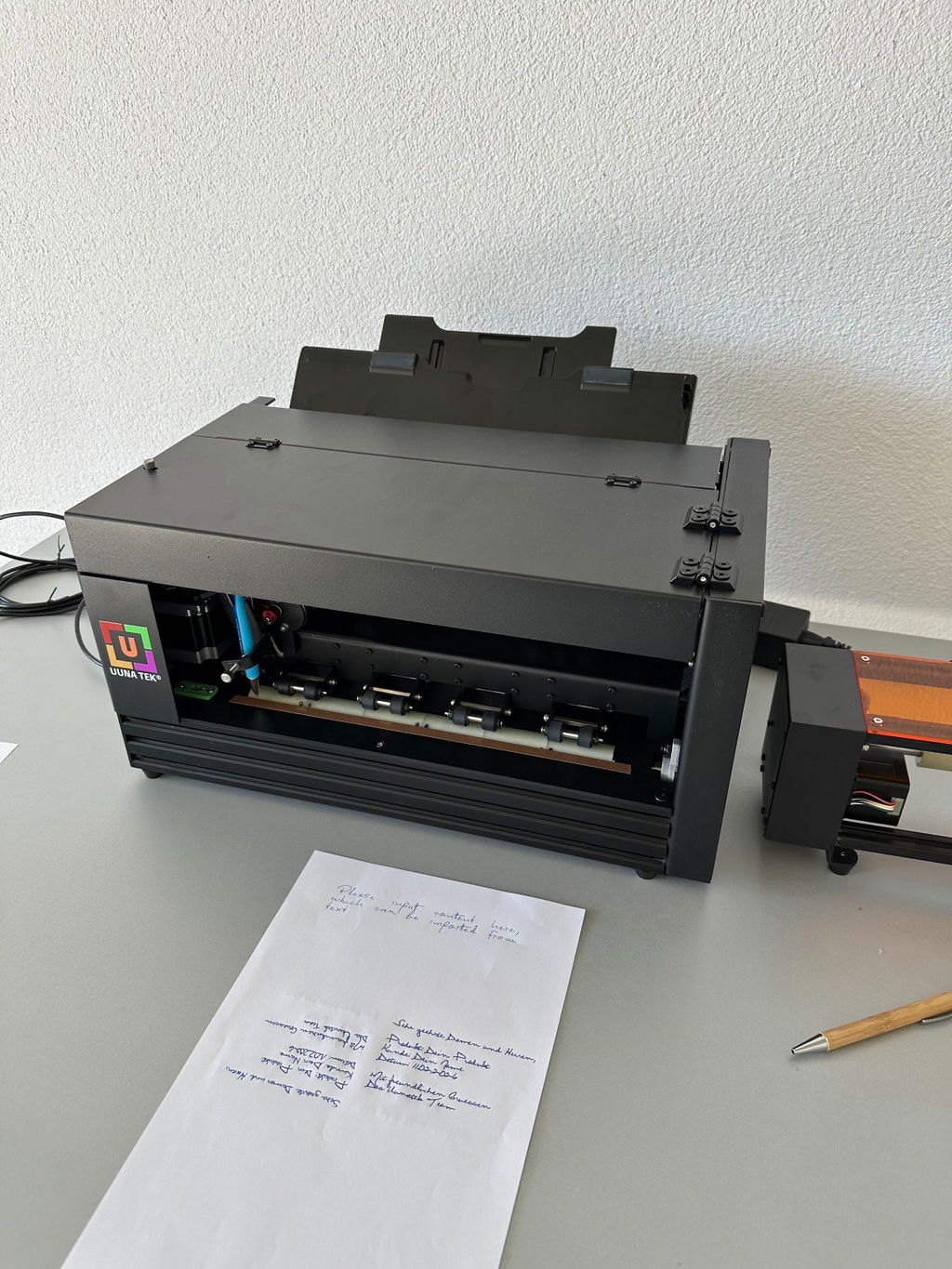
Setting up and installing was very straightforward. Was working with A3 plotters from before, but the change in scale makes an order of magnitude in differences. Very precise, easy to setup drawing material with the inkscape extension. If you have available space (had to reconfigure my whole studio due its size) I can highly recommend this drawing machine.
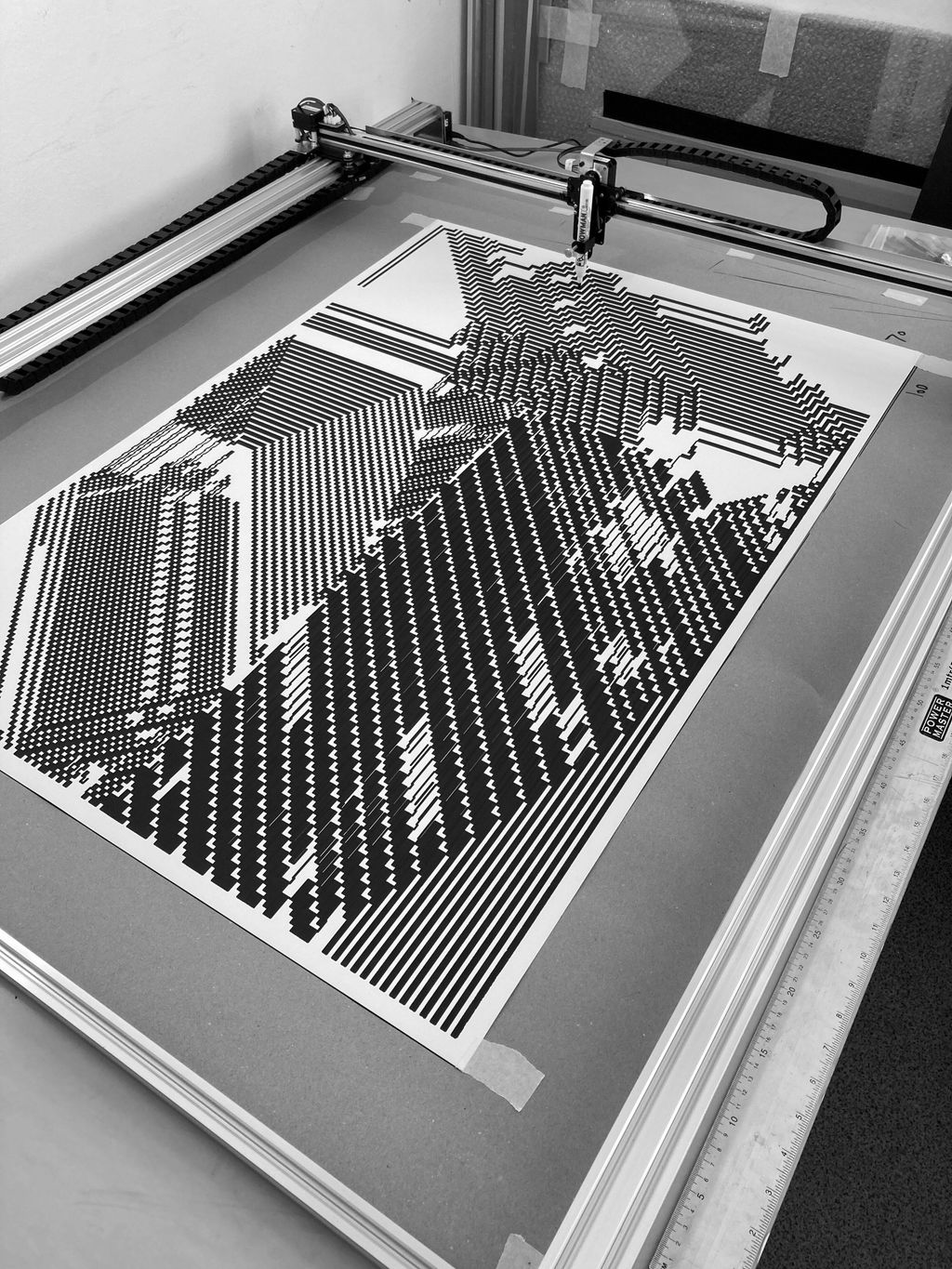
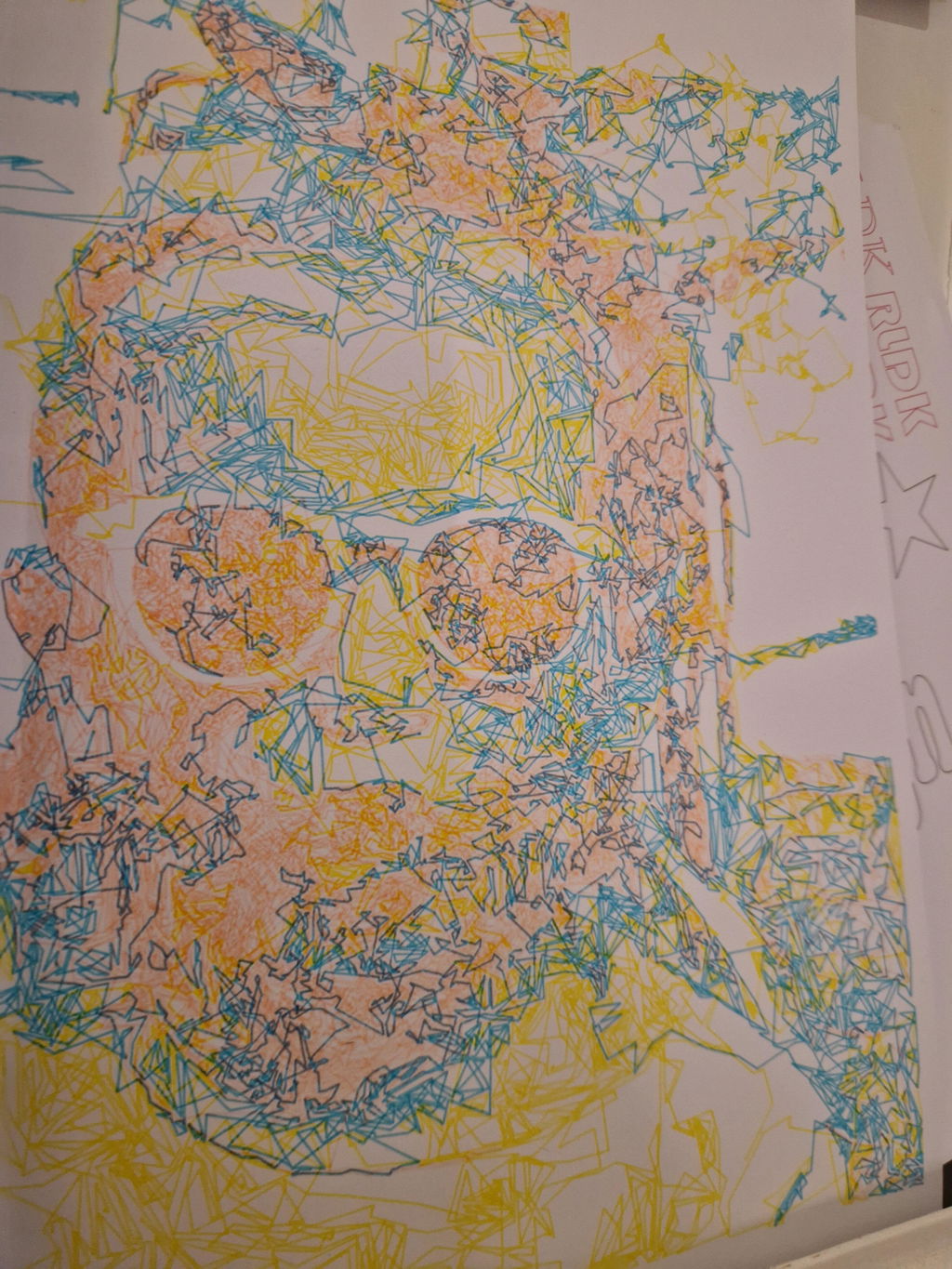
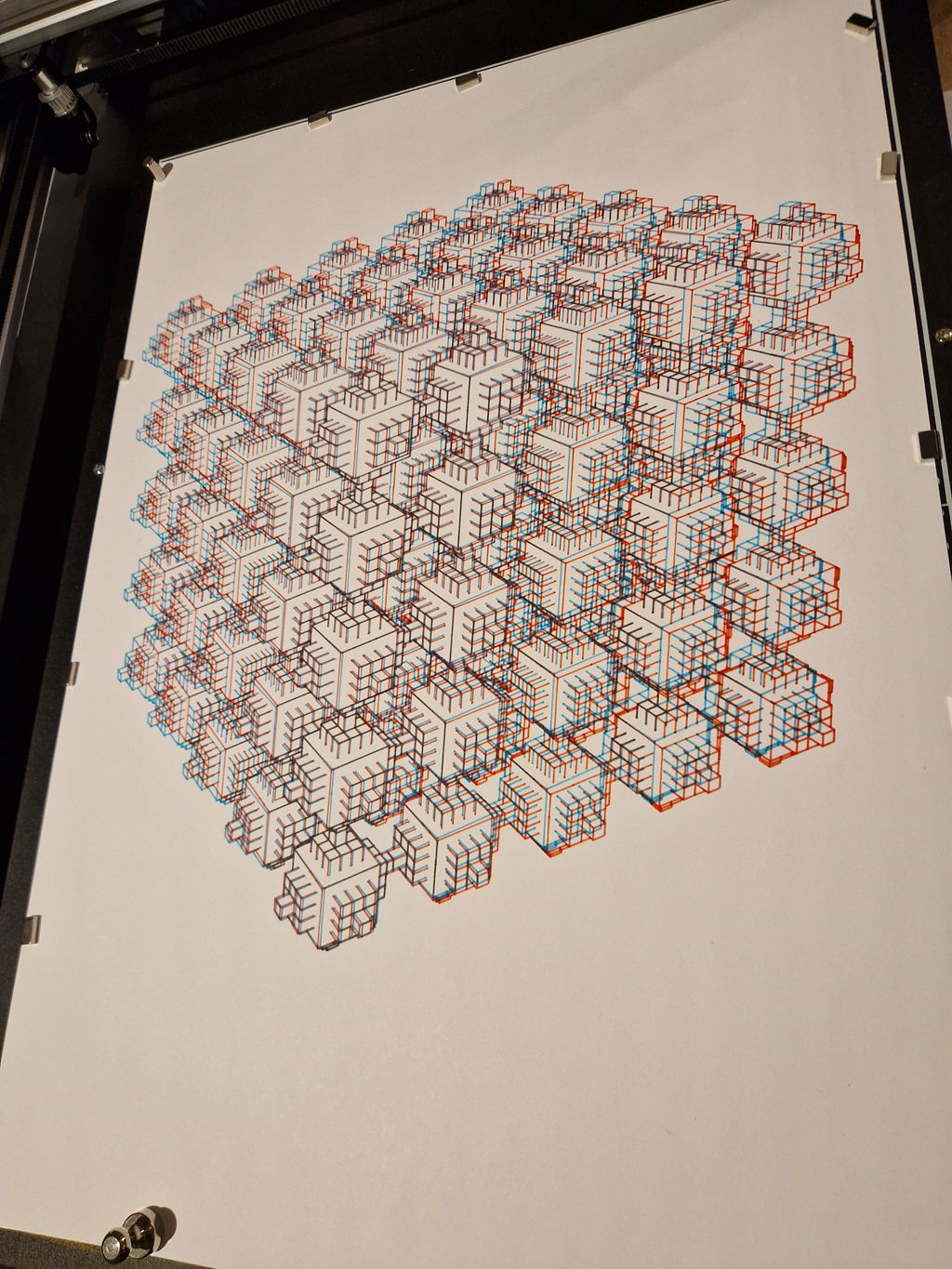
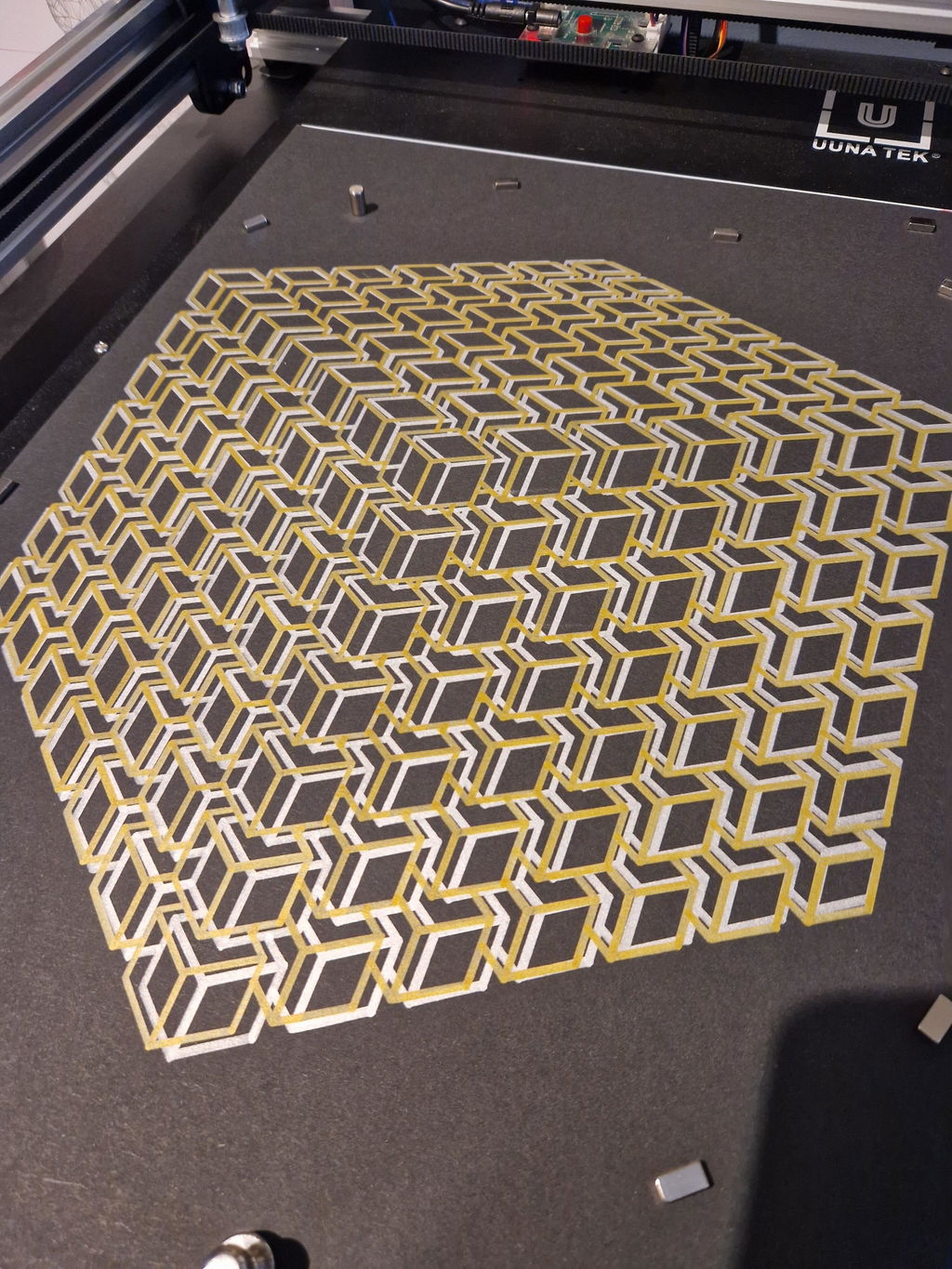
My first pen plotter the Uuna Tek H A3. I settled on this make and model after watching many videos on YouTube. Uuna Tek consistently came out looking the best so I took the plunge and pressed the buy it now button. A week later I had a large box delivered! Opening the box, it's clear the machine was well packed to withstand shipping. A "hand written" thank you card was a nice touch. Assembly was simple and straightforward. The machine is nicely designed and definitely has a quality feel to it. The software was easy to install, I used the inkscape download (with plugins pre-installed) from the Uuna Tek website. All very straightforward and simple! I've attached a couple of my first prints. I'm absolutely delighted with the machine and the quality of the plots it produces. If you, like I was, are initialising hesitating to press "buy it now" - then don't. Press that button - you won't regret it! Regards to you all from a very wet UK.
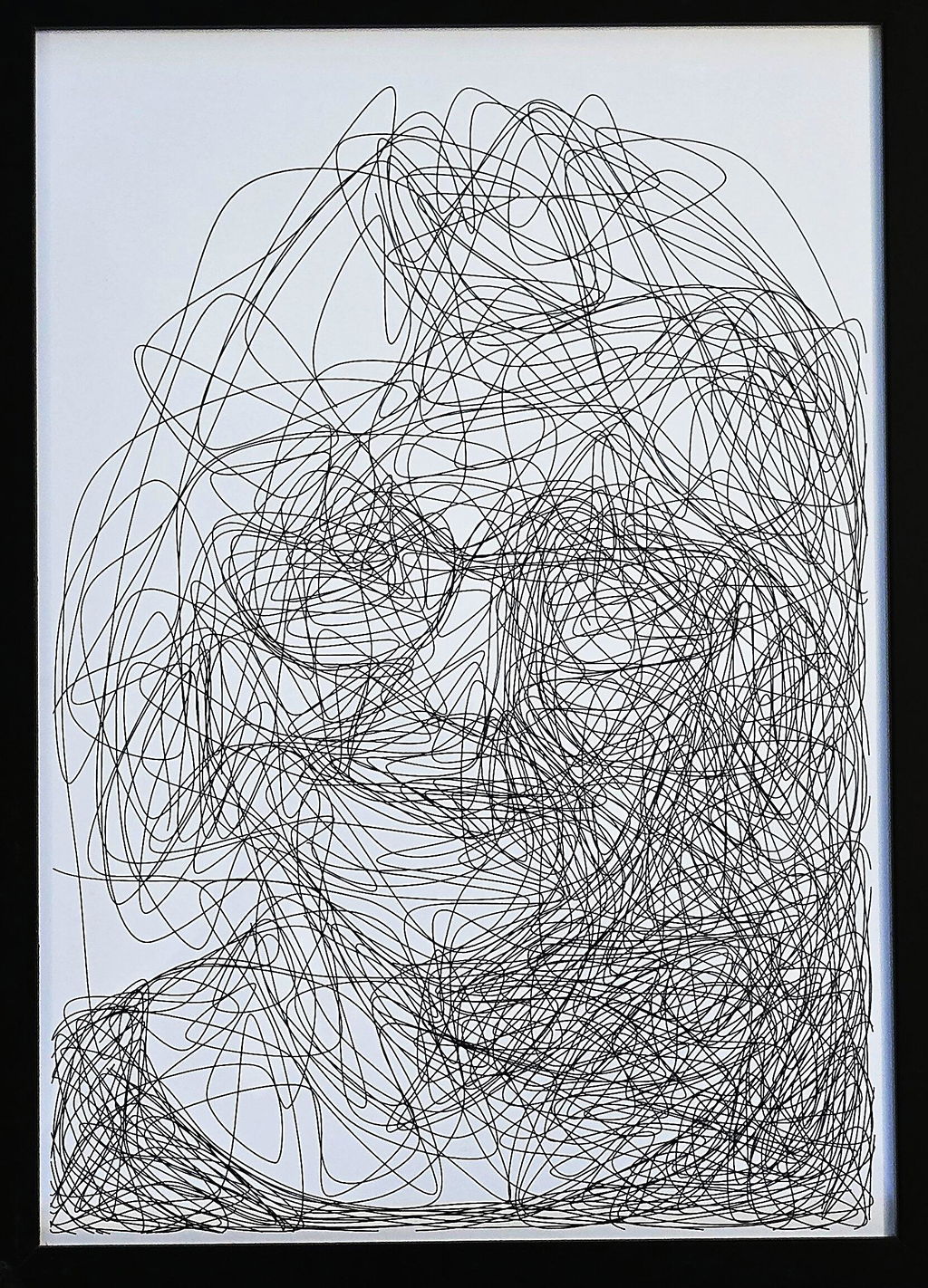
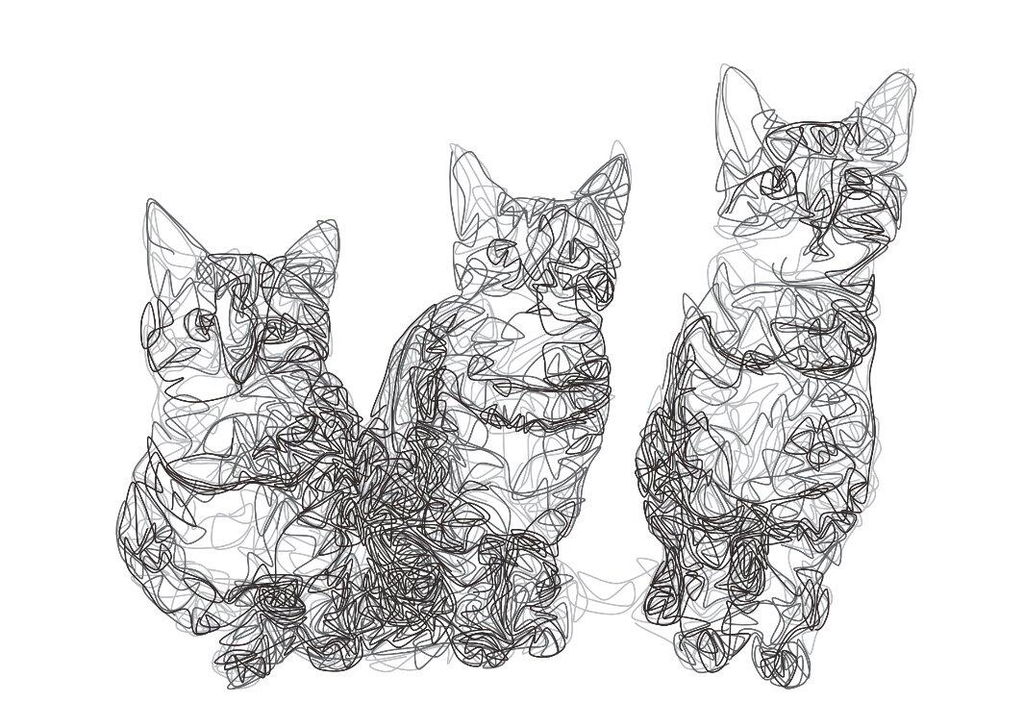
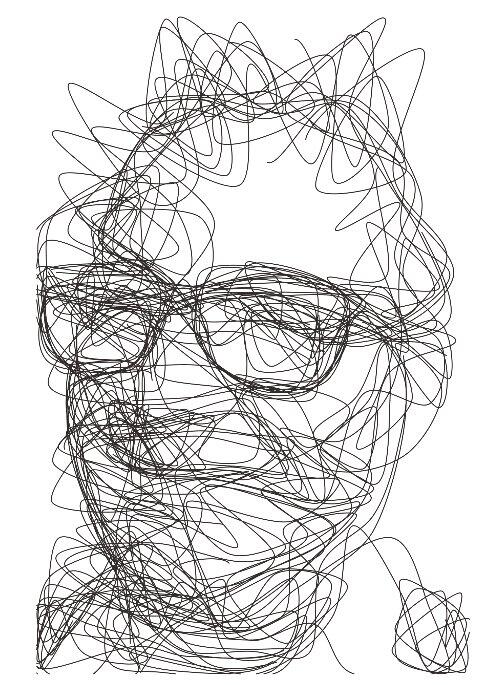
I purchased this plotter because previously I bought a Silhouette Cameo 4 Pro. That worked but it made a lot of noise and it was very hard to align multiple layers.
This plotter however solved both these issues for me. It is quiet enough to have it running in my room while my son is sleeping in his room next to it. So that's really a big plus.
Also aligning it and doing multiple layers was super easy.
Mounting it took me about 20 minutes. Which was also very easy.
All in all couldn't be more happier with this purchase.
May someday get the A0 version even.
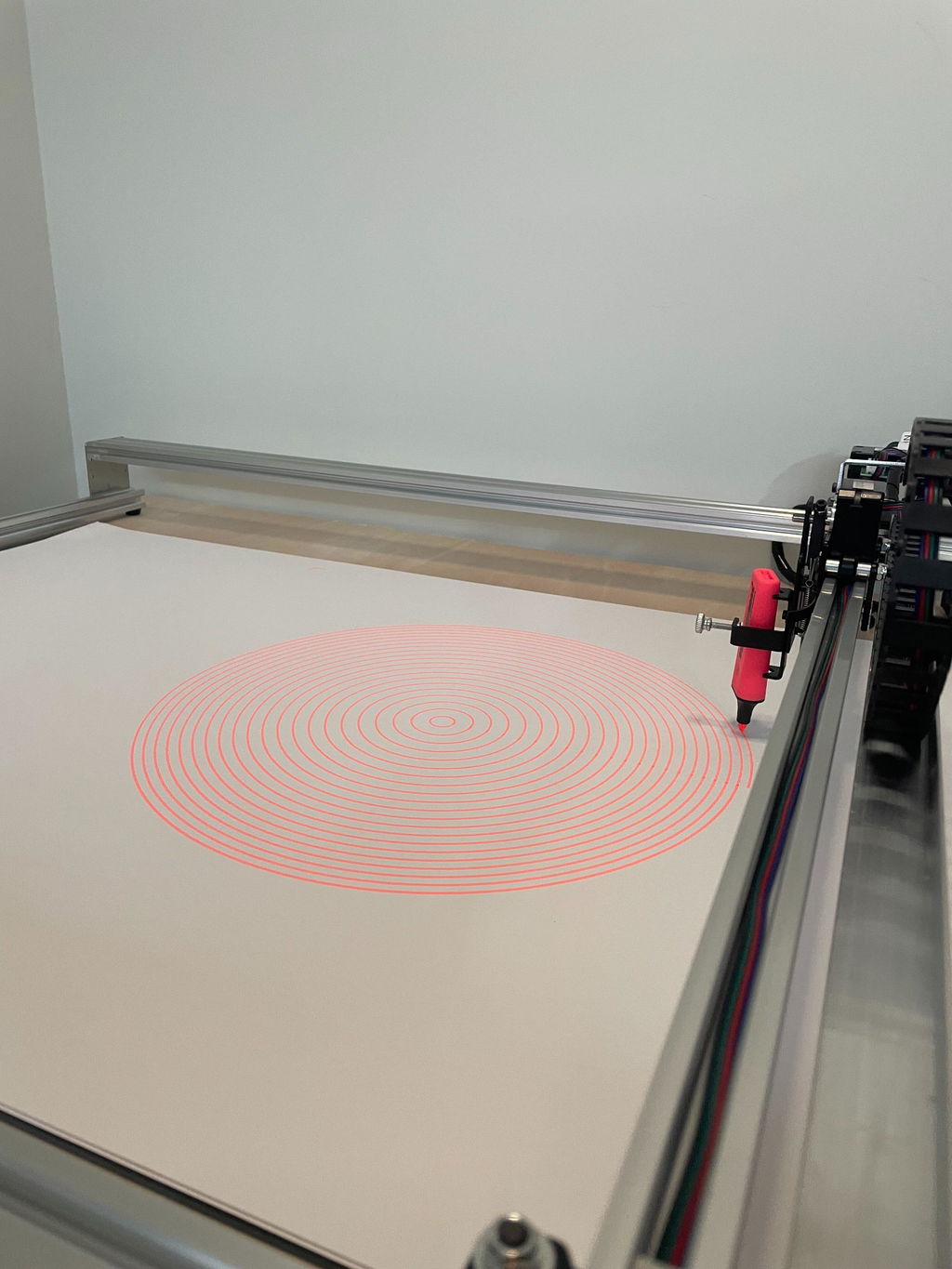
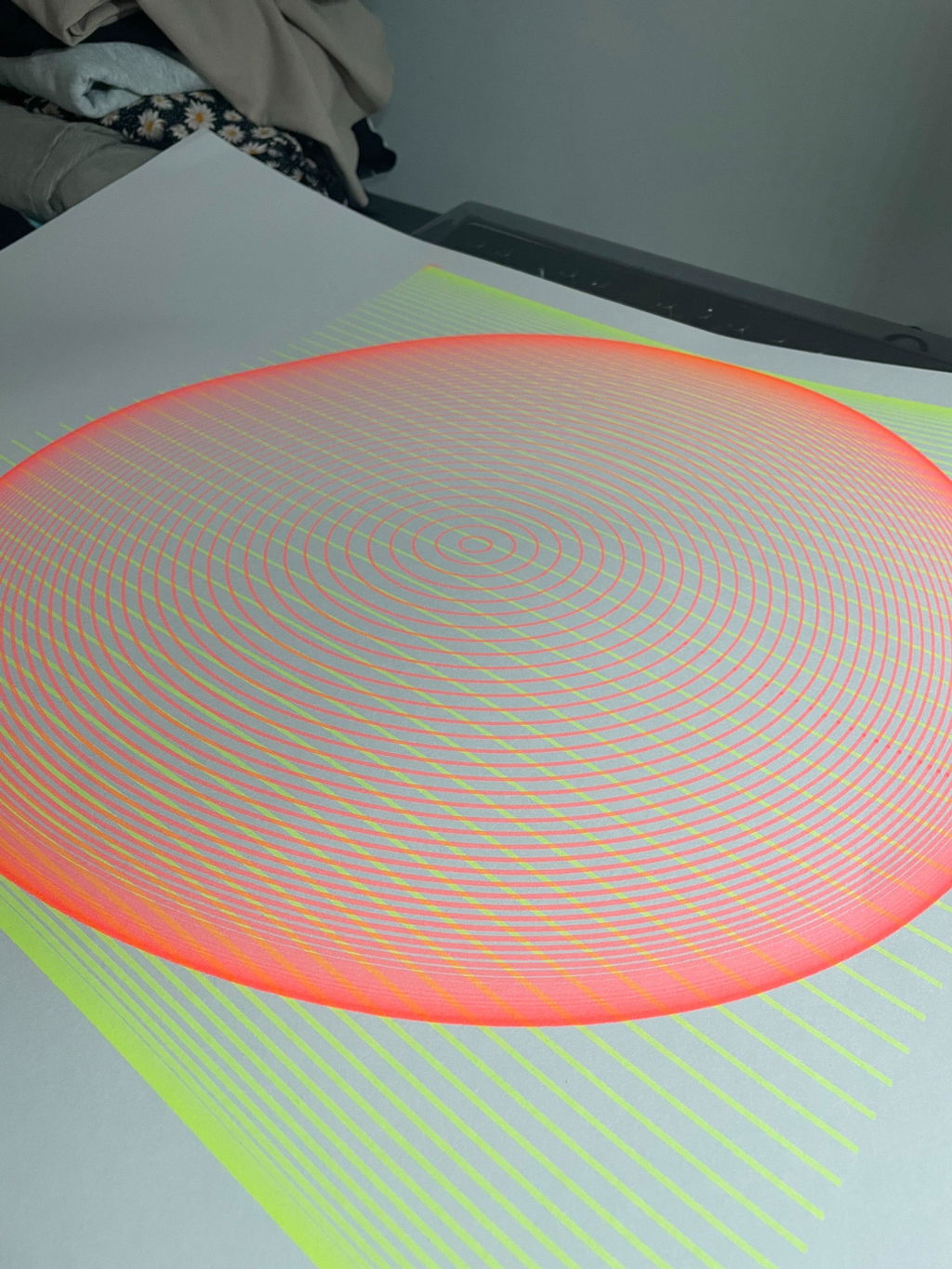
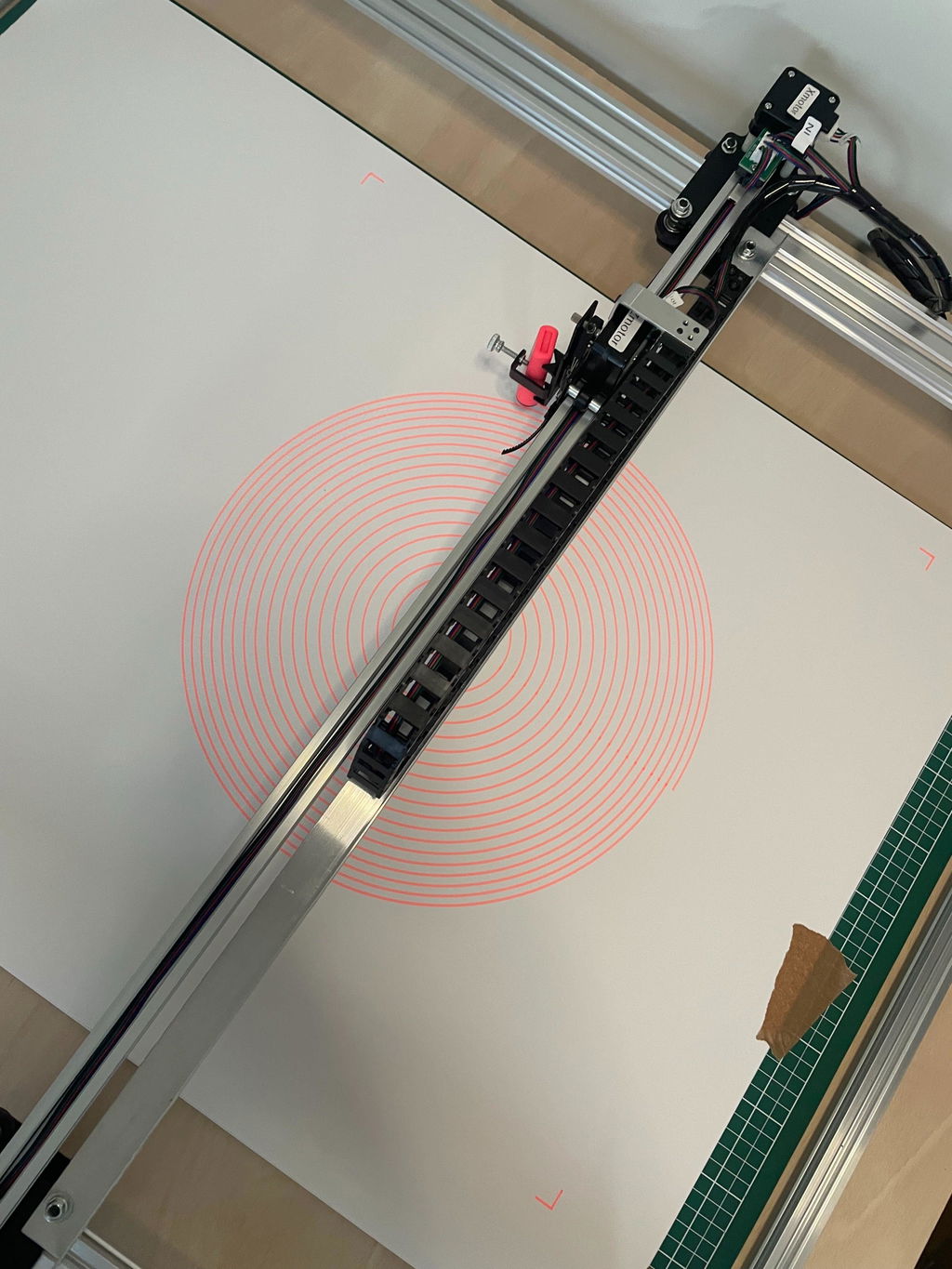
The pens do their job perfectly. They are easy to make nice prints with. Nice colors, easy to insert into the pen plotter, I love drawing with them.
Order received very quickly, in impeccable condition — the machine is superb! Customer support is incredible! I’d like to thank the owner of UUNA TEK as well as their technician, who took the time to set up the machine remotely via Zoom, explaining everything to me. The machine is amazing, and once you get the hang of it, its possibilities are endless. I recommend it without hesitation!
I have used a cutting plotter before, and have 3D printed some parts so I could also have it do pen plotting. It's less than ideal but gave me a taste of what was possible. I also found the required cutting plotter software frustrating and limited, for example, it could not directly use an SVG file without a tedious multi-step conversion process.
From the start, the iDraw H SE has proven itself to be much better suited for my needs. I do most of my work in Inkscape already, so being able to plot directly without having to switch programs and export/import files is a huge improvement.
The device is also clearly designed to be modified, and I already have some ideas for it: I want to be able to have it hold a calligraphy pen in the same way as a human hand. I can already angle the pen, but I also need that angle to be rotated. For now, I work around this by rotating the drawing in Inkscape and the paper. But in future, I could design something, have it 3D-printed and then simply screw it in place. All that matters is that the screw holes align neatly, it's so simple!
Shipping was pretty fast: package was dispatched from Hong Kong 2 days after I placed the order, and then took 14 days to arrive in the Netherlands. The device came fully assembled and ready to use.
Software was a matter of making sure Inkscape is up-to-date and then dropping some plug-in files into the right folder, as explained in the documentation.
There's perhaps more of a learning curve than with hobbyist devices like the cutting plotter I used before, but that is to be expected when using something for power users and professionals.
The other criticism I have is the price. It's very expensive compared to a cutting plotter. I was able to find plenty of reviews and video walkthroughs of the device, giving me a very good idea what I would get. A minute of searching got me a very good discount code for the device, so I figured I'd give it a shot. Now that I've used it, I'm definitely keeping it.
Attached is a timelapse video of one of the first things I did with the plotter, which was making holiday cards to send out!
I am absolutely loving my UUNA TEK iDraw H A3 Pen Plotter! I have been using it every single day since I got it. One of the best things about it was the setup process. It was incredibly easy to assemble and get running right out of the box. The instructions were clear, and I didn't run into any issues at all.
I'm attaching a few pictures of the projects I've created with this plotter so far. It's a fantastic tool and I highly recommend it!
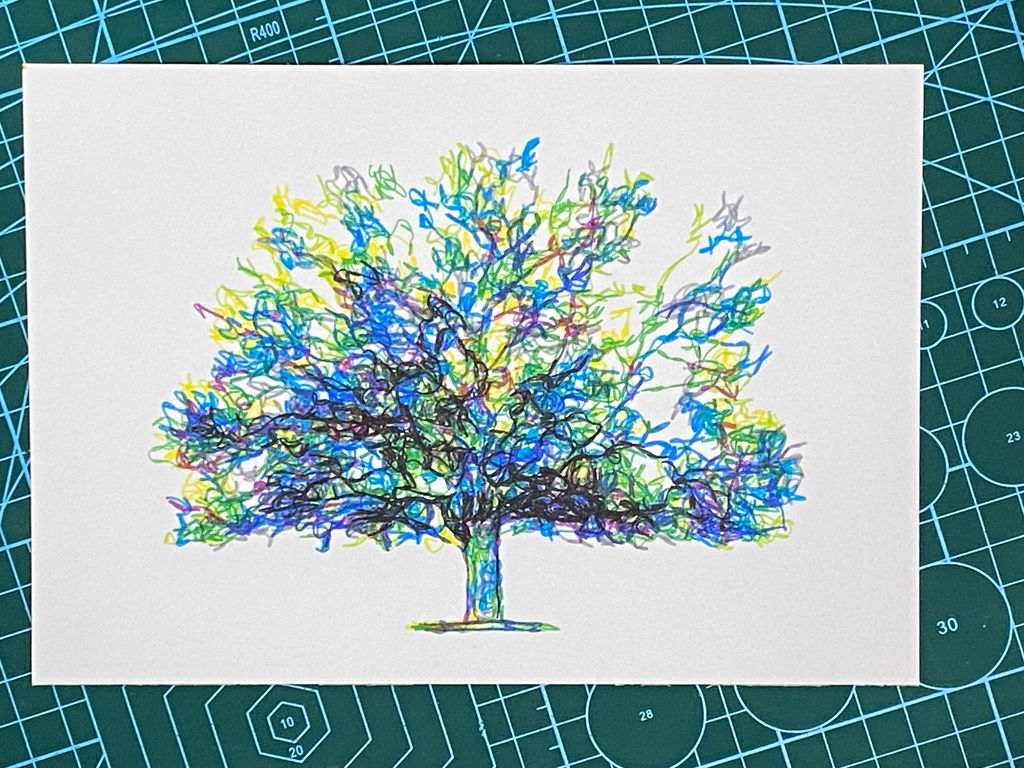
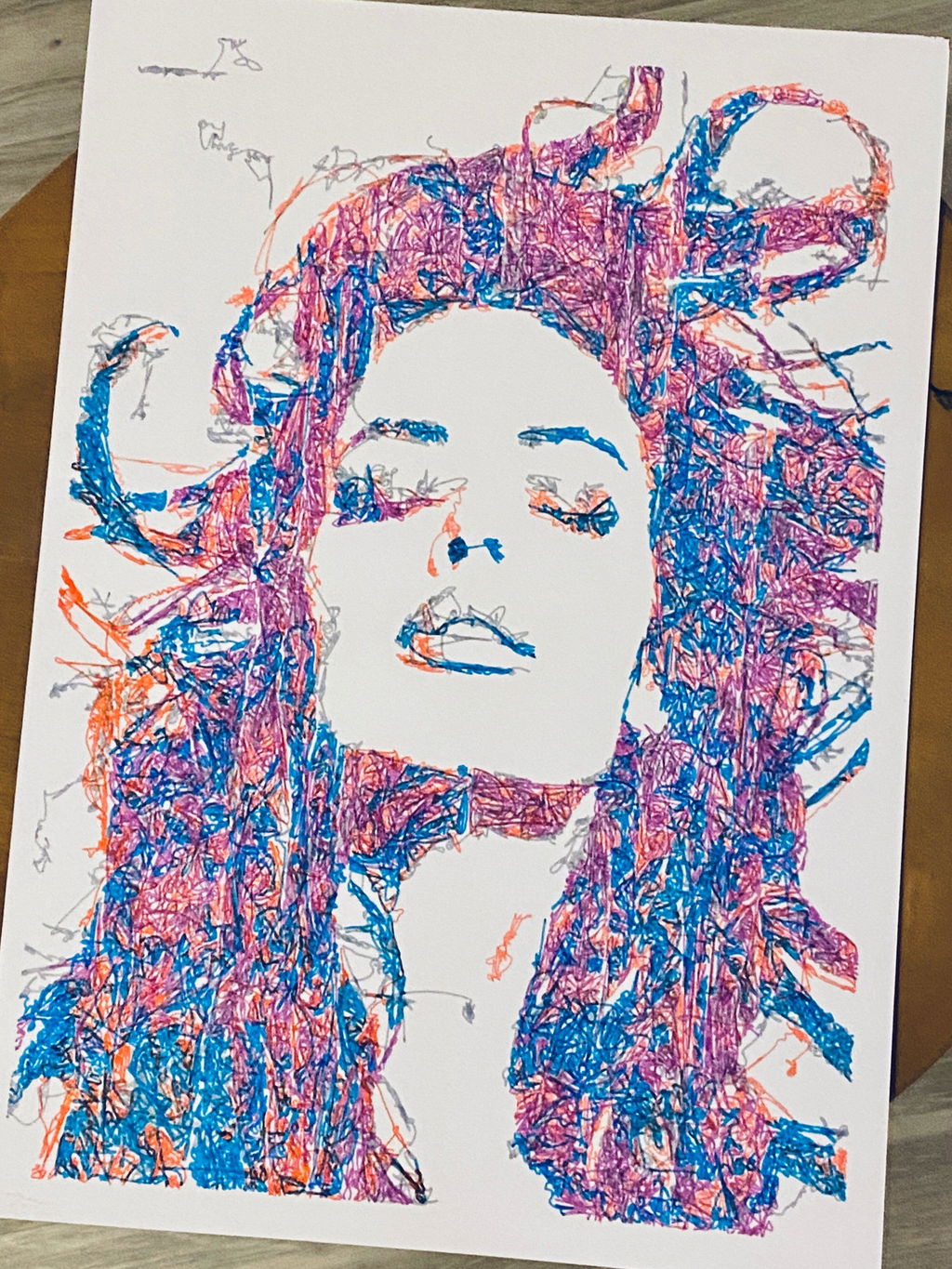
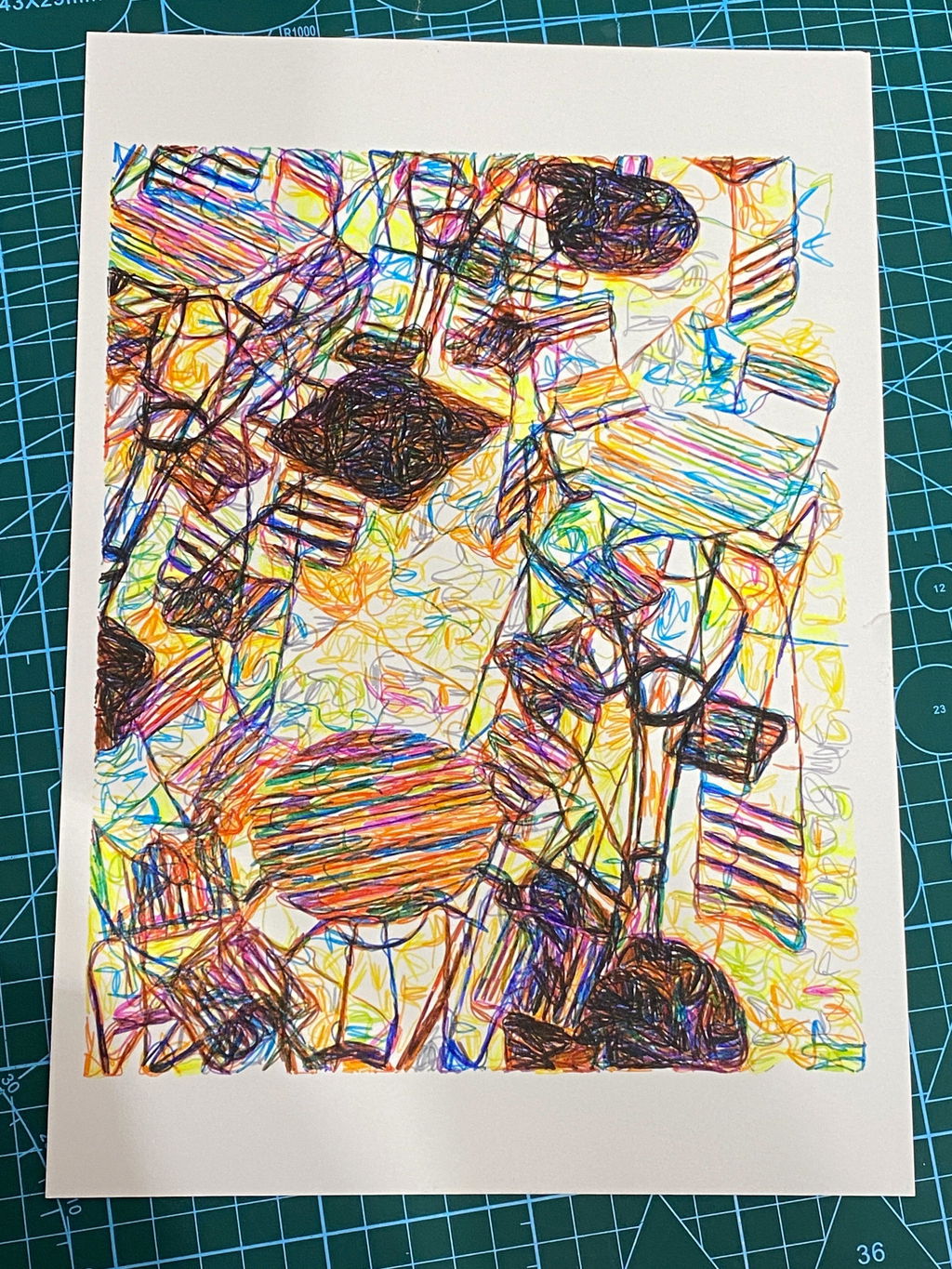
I use the iAuto to address envelopes and write thank you cards to clients. I send between 60 to 90 cards per month. The iAuto saves me, conservatively, 8 to 9 hours of time each month that I can now spend on other tasks. I use some simple excel formulas to create customized letters for each client and then use the mail merge function to import the letters and addresses into the iAuto software. I used the included font creation software to make a customized font based on my handwriting, and then the deformation features in the software to add further variation in the handwriting. The end result looks great. I'm happy with my investment in the iAuto machine and may upgrade to the premium version at some point in the future.
Purchased this to reduce manual creation of designs for my wives business. Game changer. I can now produce several identical designs without the manual tracing process she was using before. I have some ideas for creating custom mounts for the plotter to use different instruments. 5 stars.
This is my first plotter and I cannot say enough good things about it. It arrived perfectly and setup was a breeze, it just took 15 minutes and everything has been working great ever since. I'm really happy with it. The support is also excellent!
Super eficaz!
I would 100% recommend this machine if you are looking to write letters that look handwritten, whether it be cursive or print. I sometimes do cursive and sometimes print and both look amazing. My thoughts are below:
I bought this machine a year ago and have used it to write a few hundred letters per month on average. It's working just as good and even better since they updated the software to where it writes more efficiently/quickly so the time to write a letter has gotten a little faster. I use the machine for marketing to drive leads to me in the real estate industry to help buy and sell real estate.
I remember before I bought mine, I set up a call with them and we did a zoom call where the representative showed me the machine in action on the call and also showed me the software and assured me it would do the tasks that I was wanting to do for my marketing. Book a call if you are unsure and it solidified it for me that the machine did exactly what I needed it to.
The machine and software settings allow you to write letters that are as authentic as you can get and truly look handwritten. Now, you will have to tweak the software to get it to look exactly how you want and set it up to merge with excel, but it's worth it. They are absolutely great with their customer support if you ever need help. Once you have it set up how you like it, you save the settings so you don’t have to do it again. Then you can tweak it how you want it more easily once you get comfortable with changing all the settings. There will be a learning curve with it but they have helpful videos and of course customer service.
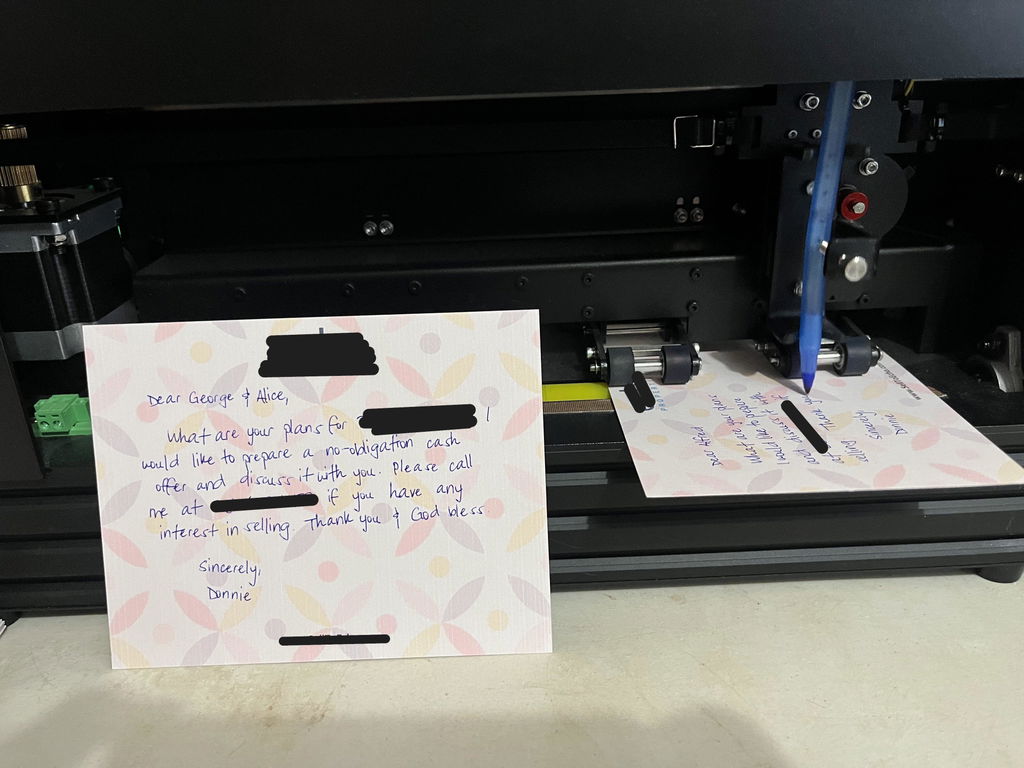
This is the second pen plotter I have owned, and I am thoroughly impressed with the upgrade in quality. The iDraw H SE (A3) feels incredibly solid and the operation is smooth and stable. As the title says, the precision is excellent; it handles complex vector files and fine lines without any issues.
Setting it up was straightforward, and it fits perfectly into my existing Inkscape workflow. If you are looking for a reliable machine that produces consistent, high-quality results, I highly recommend this one. I absolutely love it.